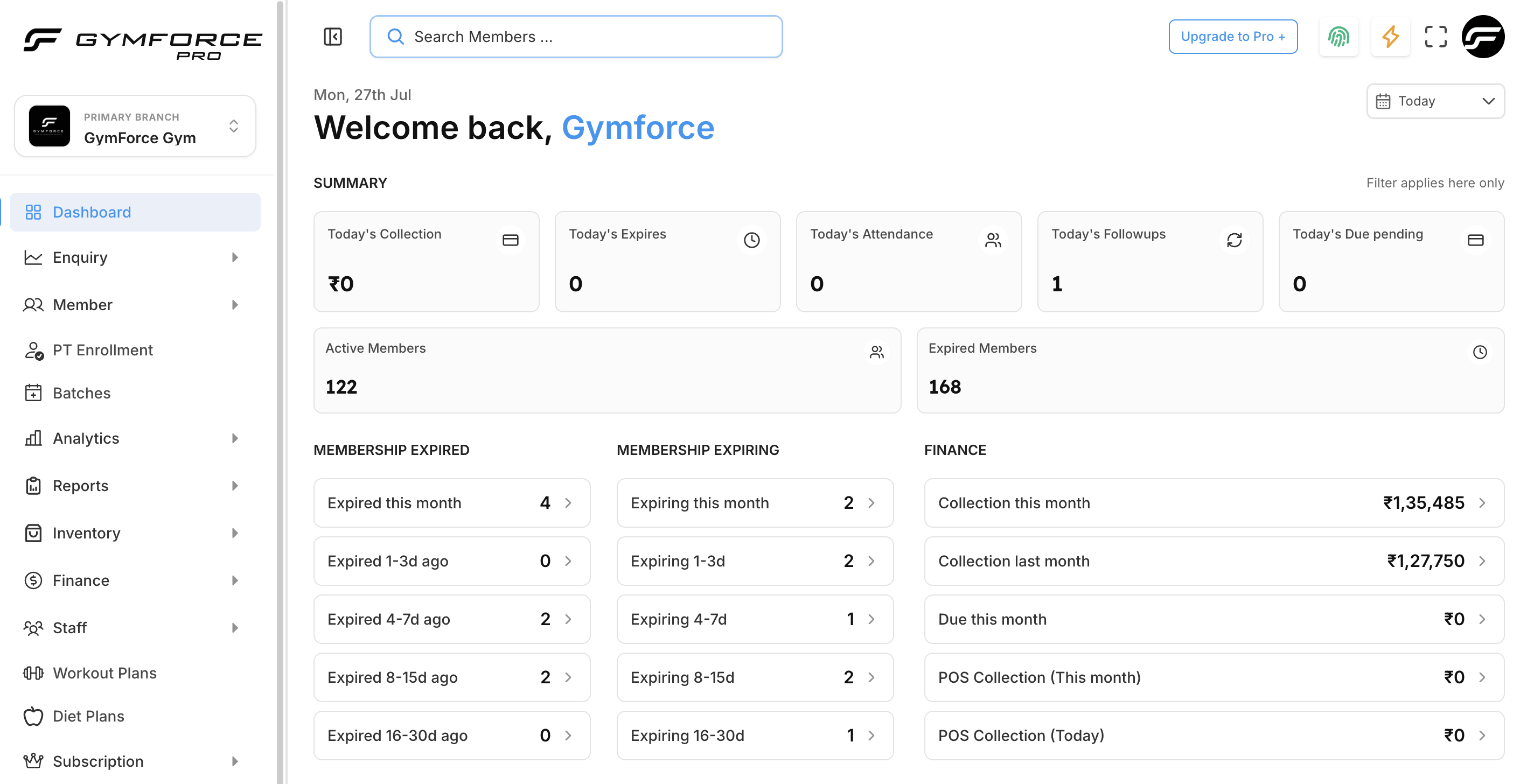
Churn Rate Analysis Dashboard
Why Churn Rate Is Your Most Important Metric
If you run a gym and don't know your churn rate, you're flying blind. Churn rate tells you exactly how many members you're losing each month, and it directly impacts your most important business metrics: revenue, growth, and profitability. In the Indian fitness industry, the average monthly churn rate ranges from 5% to 8%, meaning gyms lose 60-96% of their members every year.
The Real Cost of Churn:
- • A gym with 500 members at 6% monthly churn loses 30 members per month
- • At ₹1,500 average monthly fee, that's ₹45,000 in lost recurring revenue monthly
- • Replacing each lost member costs ₹2,000-₹5,000 in marketing and sales
- • Reducing churn from 6% to 4% can increase annual profit by 25-40%
The Churn Rate Formula
The basic churn rate formula is simple, but applying it correctly requires understanding the nuances.
Monthly Churn Rate Formula
Churn Rate = (Members Lost in Month ÷ Total Members at Start of Month) × 100
Example: (30 ÷ 500) × 100 = 6% monthly churn rate
Gather Your Data
You need three numbers for each month: starting member count, new members added, and members lost. Use your gym management software to export these figures.
- • Starting members: Active members on the 1st of the month
- • New members: Anyone who joined during the month
- • Lost members: Anyone who cancelled or let membership expire
- • Freeze members should be excluded from counts
Calculate Using the Correct Method
Use the formula above for a simple monthly churn rate, but for more accuracy, use the adjusted formula that accounts for new members added mid-month:
Adjusted Formula:
Churn Rate = Cancellations ÷ ((Starting Members + Ending Members) ÷ 2) × 100
Example A (Simple):
Start: 500, Lost: 30
30 ÷ 500 × 100 = 6%
Example B (Adjusted):
Start: 500, End: 510, Lost: 30
30 ÷ ((500+510)÷2) × 100 = 5.9%
Calculate Annualized Churn Rate
Annualized churn gives you the bigger picture. Use this formula to project yearly losses:
Annual Churn Rate:
1 - (1 - Monthly Churn Rate)^12 × 100
A 6% monthly churn rate equals approximately 52% annual churn — meaning half your members leave every year.
Benchmark Your Results
Compare your churn rate against industry benchmarks to understand where you stand:
Excellent
Monthly churn
Average
Monthly churn
At Risk
Monthly churn
Track and Reduce Churn
Once you know your churn rate, implement these proven reduction strategies:
Immediate Actions:
- • Automate first-30-day check-ins
- • Set up at-risk member alerts
- • Offer freeze vs. cancel option
- • Send re-engagement campaigns
Long-term Strategies:
- • Implement loyalty programs
- • Build community events
- • Monthly progress reviews
- • Member feedback surveys
Free Churn Rate Calculator
Use the interactive calculator below to see your churn rate instantly. Enter your numbers and get real-time results with benchmarks.
Churn Rate Calculator
Monthly Churn Rate
6.0%
Annualized Churn
52.4%
Monthly Revenue Lost
₹45,000
Real Results: Iron House Gym, Pune
Iron House Gym was losing 8% of members monthly. By tracking churn rate and implementing targeted interventions, they turned things around in 90 days:
"We knew we were losing members, but we didn't realize how much it was costing us until we started tracking churn rate properly. The data helped us prioritize the right retention strategies."
Related Articles
Take Control of Your Churn Rate
You can't improve what you don't measure. Start tracking your churn rate today using the formula and template above. With consistent tracking and the right retention strategies, you can reduce churn, increase member lifetime value, and build a more profitable gym.
Track Churn Automatically with GymForce
GymForce automatically calculates your churn rate, identifies at-risk members, and helps you run targeted retention campaigns. No spreadsheets required.
Start Free TrialSchedule Demo