Class Schedule Optimization
The Cost of a Bad Schedule
A poorly planned class schedule leads to overcrowded peak hours, empty off-peak slots, frustrated members, and burned-out instructors. Most gym owners set their schedule once and never revisit it. But member behavior changes with seasons, daylight hours, and new trends. The best gyms treat scheduling as an ongoing optimization process driven by attendance data.
Scheduling Impact:
- • Optimized schedules increase class attendance by 35-50%
- • 60% of members say class timing is their top reason for attending
- • Peak hour overcrowding drives 25% of class-related complaints
- • Right-sized classes improve instructor retention by 40%
Understanding Your Peak Hours
The first step to better scheduling is understanding when members actually come to your gym. Use your management software to analyze attendance patterns.
Analyze Attendance Data
Export 3-6 months of attendance data and look for patterns. Most gyms have three distinct peak periods:
Morning Peak
6:00 AM - 8:00 AM
Professionals, early birds
Lunch Peak
12:00 PM - 2:00 PM
Office workers nearby
Evening Peak
5:00 PM - 8:00 PM
Highest attendance overall
Match Class Types to Time Slots
Different times of day attract different member segments. Match your class offerings accordingly:
Morning (6-9 AM):
- • High-intensity: HIIT, bootcamp, spinning
- • Scheduled start times — members want to get in and out
- • 45-min classes preferred over 60-min
Mid-Day (11 AM-2 PM):
- • Yoga, Pilates, stretching — lower intensity
- • Shorter classes (30-45 min) for lunch breaks
- • Attracts nearby office workers
Evening (5-8 PM):
- • Mix of high and medium intensity
- • Zumba, dance fitness, group strength
- • 60-min classes — members have more time
Weekend:
- • Later start times (8-9 AM)
- • Specialty workshops, family classes
- • Longer formats (60-90 min) popular
Balance Supply and Demand
Use your attendance data to right-size class offerings at each time slot:
If Classes Are Full:
- • Add a second session at the same time
- • Increase class capacity if space allows
- • Use waitlist to gauge true demand
- • Consider adding a different format to spread demand
If Classes Are Empty:
- • Change the class type or instructor
- • Move to a different time slot
- • Combine with another low-fill class
- • Cancel and replace with a more popular format
Optimize Instructor Scheduling
Your best instructors should teach during peak hours. Many gyms make the mistake of giving prime slots to junior instructors.
- • Schedule your most popular instructors during evening peak (5-8 PM)
- • Use rotating slots to keep schedules fresh for regulars
- • Cross-train instructors to teach multiple formats
- • Set minimum attendance thresholds — cancel classes below 40% fill
- • Use GymForce to track instructor performance and class attendance rates
Implement Dynamic Scheduling
Don't set your schedule once and forget it. Review and adjust monthly based on data:
Monthly Schedule Review Process:
- 1. Check attendance rates for every class slot in the past month
- 2. Identify bottom 20% of classes by attendance
- 3. Survey members on what they'd prefer instead
- 4. Test changes for 2-4 weeks
- 5. Repeat — continuous improvement
Sample Optimized Weekly Schedule
Here's a sample schedule for a mid-size metro gym. Use this as a starting point and customize based on your data.
| Time | Mon | Tue | Wed | Thu | Fri | Sat | Sun |
|---|---|---|---|---|---|---|---|
| 6:00 AM | HIIT | Spinning | HIIT | Spinning | HIIT | Bootcamp | — |
| 7:00 AM | Yoga | Strength | Yoga | Strength | Yoga | Zumba | — |
| 12:00 PM | Pilates | HIIT 30 | Pilates | HIIT 30 | Stretch | — | — |
| 5:00 PM | Zumba | Boxing | Zumba | Boxing | Dance | — | — |
| 6:00 PM | HIIT | Yoga | CrossFit | Yoga | HIIT | — | — |
| 7:00 PM | Strength | HIIT | Strength | HIIT | Yoga | — | — |
| 8:00 AM | — | — | — | — | — | Yoga | Yoga |
Related Articles
Optimize Your Schedule Today
Your class schedule is one of the highest-leverage tools for member satisfaction and retention. Review your attendance data, talk to your members, and make data-driven adjustments every month.
Manage Scheduling with GymForce
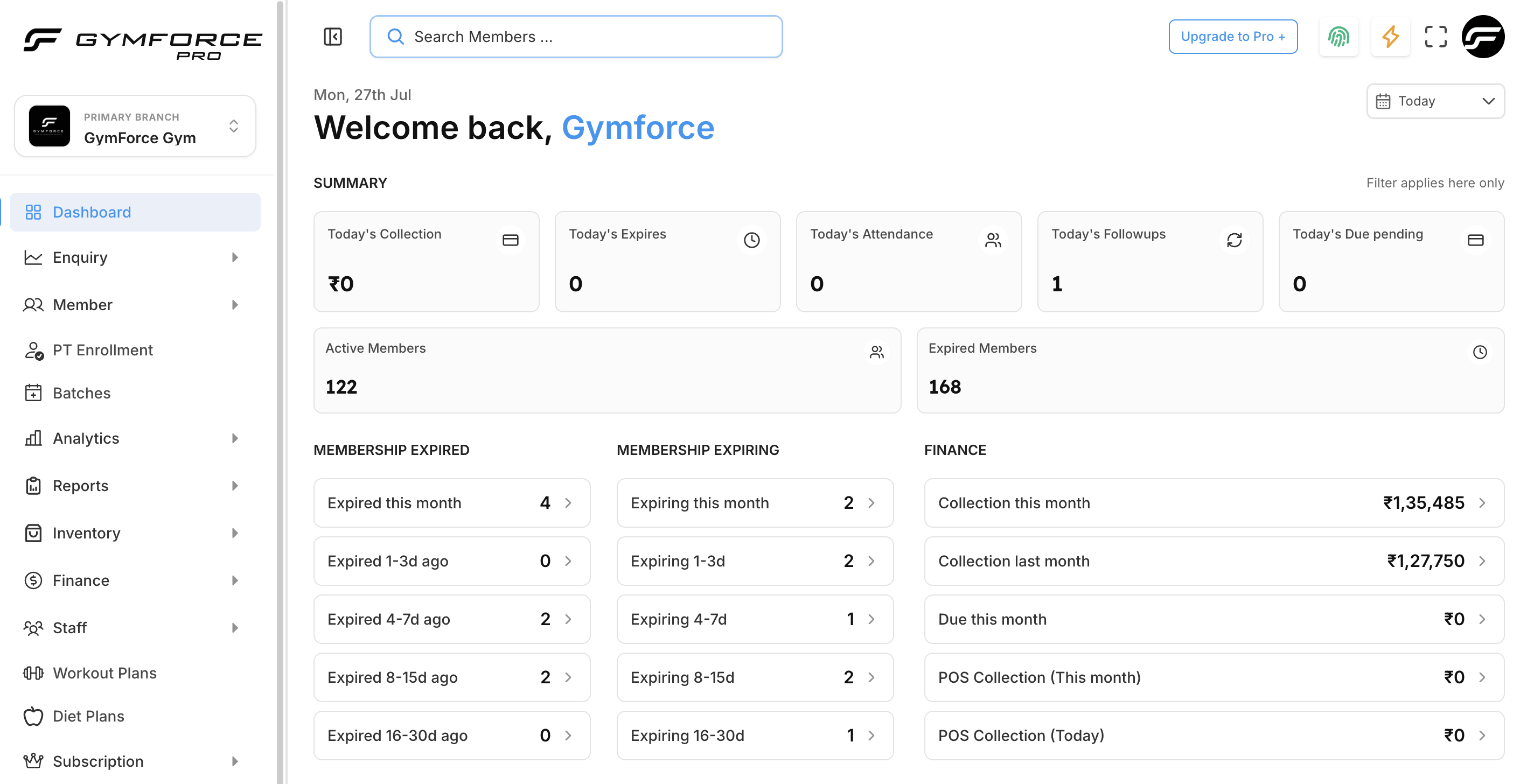
GymForce makes it easy to create, publish, and manage your class schedule. Members can book, waitlist, and check in from the app. View real-time attendance data to optimize your offerings.
Start Free TrialSchedule Demo